Shaft MakerParametric transmission shafts for Fusion 360
Loyalty programme: −15% on your 2nd plugin, up to −50% after that.
See it in action in Fusion 360
The video is loaded from YouTube when you play it.
Overview
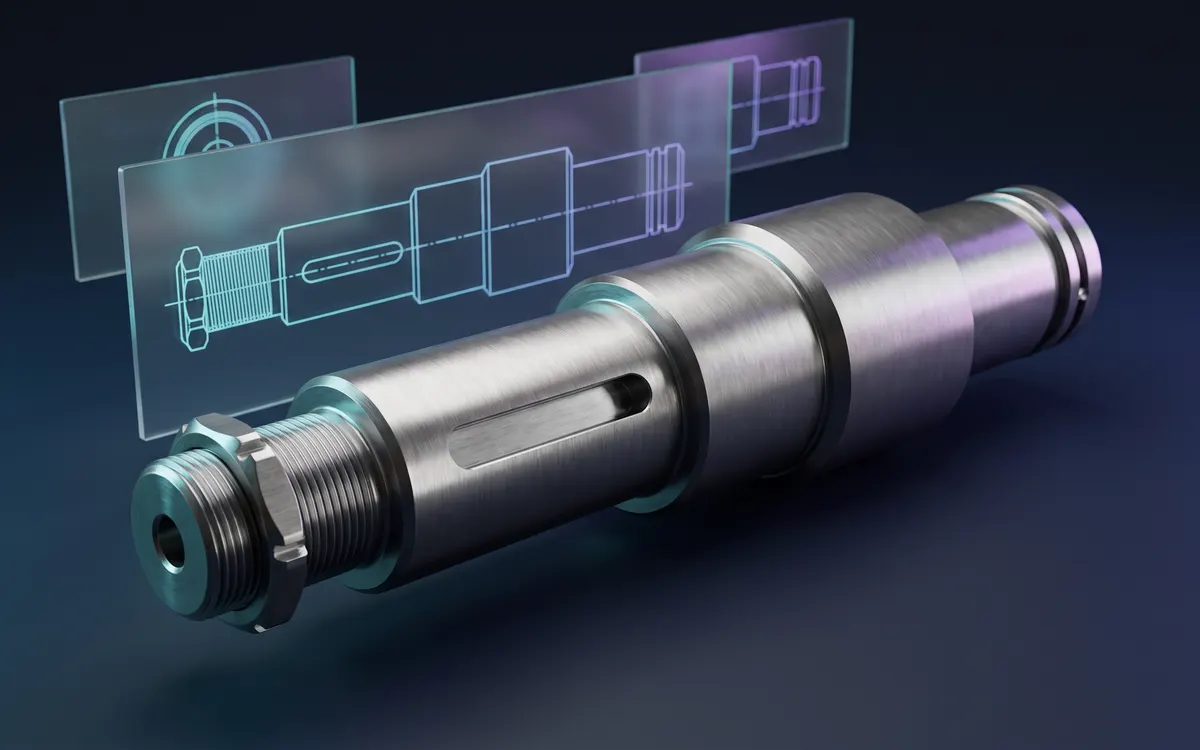
Shaft Maker builds parametric transmission shafts in Autodesk Fusion 360: describe the sections in a table and it generates the shaft body and its standard machining (keyways, threads, retaining ring grooves, center holes), with a spec sheet and user parameters.
Who is Shaft Maker for?
Shaft Maker is built for design offices that design machines, gearboxes and drivetrains in Autodesk Fusion 360: machine designers, draughtspeople and manufacturing engineers. It helps machine shops that turn shafts from a digital model, and makers designing an axle for a robot, a test rig or a gearbox.
The problem it solves
A transmission shaft means a profile sketch dimensioned section by section, a revolve, then a long list of machining features: a DIN 6885 keyway, a thread, a DIN 471 retaining ring groove, a DIN 509 grinding undercut, a DIN 332 center hole. Every dimension has to be looked up in a standards table, and any change of diameter means reworking the features that depend on it.
Shaft Maker puts everything in a single dialog: you enter the sections, it reads the standards for you, and the shaft is later edited by reopening that same dialog.
Creating a shaft
- Describe the sections in the table, from left to right: diameter, length, cylindrical or conical shape. The buttons below the table add, remove, move or mirror-duplicate the selected section.
- Set each section’s transition to the next one and its machining.
- Equip the ends: entry chamfer, center hole, drilled or tapped hole.
- Watch the real-time preview, then click OK: the full shaft is built in its own component.
Features
- Unlimited sections, cylindrical or conical.
- Transitions between sections: sharp edge, fillet, chamfer, or DIN 509 form E and F undercut.
- Symmetric shaft: enter half of the shaft and the mirror is unfolded about the mid-plane.
- Spec sheet in the component description.
- Optional parameter-driven dimensions: Fusion user parameters (shaft1_D1, shaft1_L2…) keep diameters, lengths, fillets, chamfers and center holes editable, even without the add-in.
- Edit Shaft reopens an existing shaft with its configuration pre-filled, including for structural changes (adding a section, enabling a keyway), and rebuilds it in the same component.
- The configuration travels inside the document: a colleague with the add-in installed can edit the shaft just like you.
- Two commands in the Design workspace: Create Shaft (Solid › Create) and Edit Shaft (Solid › Modify).
- Interface in French or English, following Fusion’s language.
- Windows only (.exe installer); macOS is not supported.
Machining and standards
- DIN 6885-1 keyway, round ends or through, free axial and angular position.
- ISO metric thread, modeled or cosmetic, on all or part of a section.
- DIN 981 (KM) lock nut and DIN 5406 (MB) lock washer, with the tongue slot.
- DIN 332 / ISO 6411 center hole, forms A, B, R, D and DS.
- Drilled and tapped holes on each end face, with optional counterbore or countersink.
- DIN 471 retaining ring grooves.
- The bundled standard tables have been checked against their source (the standard’s text or a manufacturer’s catalogue).
Limitations
- Keyways and grooves have sharp corners: the DIN 6885-1 bottom radii are listed in the spec sheet but not machined.
- DIN 332 and DIN 509 forms C, G and H are not handled.
- Outside the ranges covered by a standard (keyways beyond Ø130, retaining rings beyond Ø168), the add-in does not extrapolate: it asks for custom dimensions.
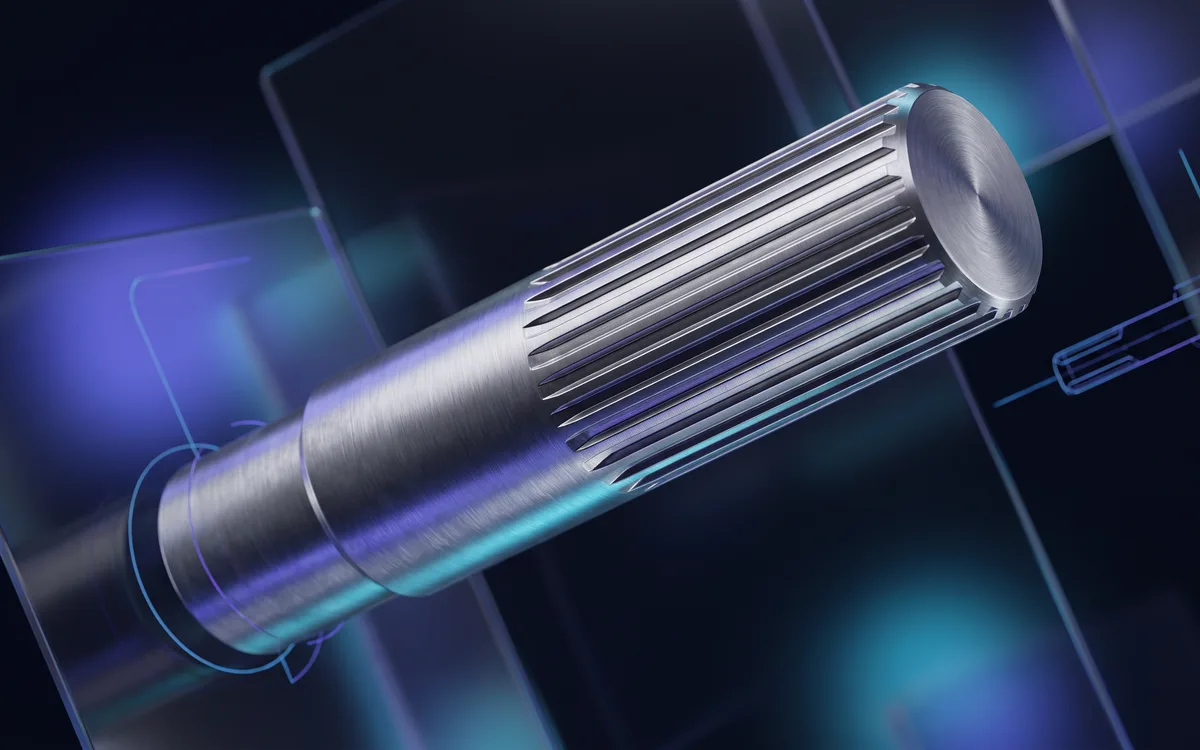
- Splines are not covered: use Groove Maker on one of the shaft’s sections.
Shaft Maker is a design aid: always check the resulting geometry before manufacturing or strength calculations.
It is a one-time purchase that gives you every version, past and future, with update notifications by email and downloads from your “My account” area.
Installing in Fusion 360
- Download the latest version from “My account” (access opens right after purchase): you get a .zip archive.
- Unzip the archive: it contains the plugin’s Windows installer (.exe).
- Run the installer: it installs the plugin straight into Fusion 360, with no setup inside the software.
- Open Fusion 360: the plugin is ready to use. To update, run the installer of the new version.
Frequently asked questions
Which operating system do the plugins run on?
Windows only: each plugin ships with a Windows installer (.exe). macOS is not supported.
Are updates paid?
No. The purchase is one-time: every past and future version of the plugin stays available free of charge from “My account”.
What licence do I get?
The purchase grants a personal, non-exclusive and non-transferable licence to use the plugin, as set out in our terms of sale.
Where do I download the plugin after buying?
In “My account”: every plugin you own is listed with its versions, changelog and a download button.
Versions
- v1.0.1
=========================================================================== Shaft Maker — Version history =========================================================================== --------------------------------------------------------------------------- 1.0.1 — October 17, 2026 --------------------------------------------------------------------------- Bug-fix release. It concerns the PARAMETER-DRIVEN DIMENSIONS option; shafts created without this option are unchanged. FIXES - A shaft where a fillet uses up the whole height of a shoulder (for example Ø42 -> Ø30 with an R6 fillet) could come out with the wrong shape, with no message at all. The shaft is now built with the correct shape, dimensioned with fixed values instead of driven dimensions. - After MODIFY -> CHANGE PARAMETERS, a value that makes the shaft sketch unsolvable (typically a shoulder that became exactly as high as its chamfer or fillet) left the body unchanged without warning, and further changes had no effect. Shaft Maker now shows a message when the dialog closes: it says the shaft was not updated, names the dimensions involved and explains how to go back. IMPROVEMENT - New warning in the creation dialog: when a fillet or chamfer uses up the whole height of a shoulder while driven dimensions are ticked, Shaft Maker warns that the shaft will be dimensioned with fixed values. This geometry is still accepted. UPDATING Close Fusion, run ShaftMaker-Setup-1.0.1.exe, then reopen Fusion. The installer replaces the previous version; your existing shafts are kept. --------------------------------------------------------------------------- 1.0.0 — October 14, 2026 --------------------------------------------------------------------------- First release.
- v1.0.0