Groove MakerSplined-shaft generator for Fusion 360
Coming soon
Get notified at launch →
This plugin is being finalized. Check back soon!
Overview
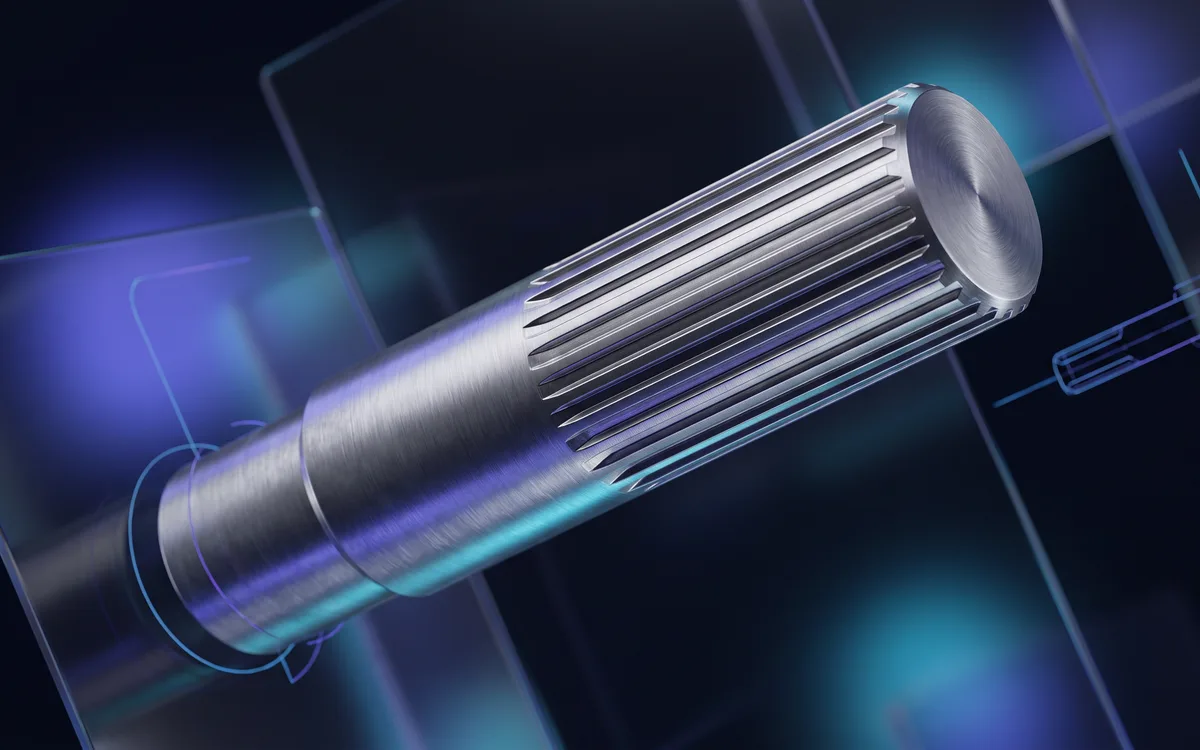
Groove Maker automatically generates splined shafts and applies splines onto existing cylindrical faces in Fusion 360.
- Create a splined shaft: a full 3D shaft to ISO 14 / DIN 5463 standards or a custom mode (D, d, N, B), with length, offset and lead-in/lead-out chamfers.
- Spline an existing face: automatic diameter detection with nearest ISO standard suggestion and parametric groove cutting.
- Real-time preview before you commit.
- Bilingual EN/FR UI and an extensible standards database.
Installing in Fusion 360
- Download the latest version from “My account” (access opens right after purchase): you get a .zip archive.
- Unzip the archive: it contains the plugin’s Windows installer (.exe).
- Run the installer: it installs the plugin straight into Fusion 360, with no setup inside the software.
- Open Fusion 360: the plugin is ready to use. To update, run the installer of the new version.
Frequently asked questions
Which operating system do the plugins run on?
Windows only: each plugin ships with a Windows installer (.exe). macOS is not supported.
Are updates paid?
No. The purchase is one-time: every past and future version of the plugin stays available free of charge from “My account”.
What licence do I get?
The purchase grants a personal, non-exclusive and non-transferable licence to use the plugin, as set out in our terms of sale.
Where do I download the plugin after buying?
In “My account”: every plugin you own is listed with its versions, changelog and a download button.