Gear GeneratorParametric gears for Fusion 360
Overview
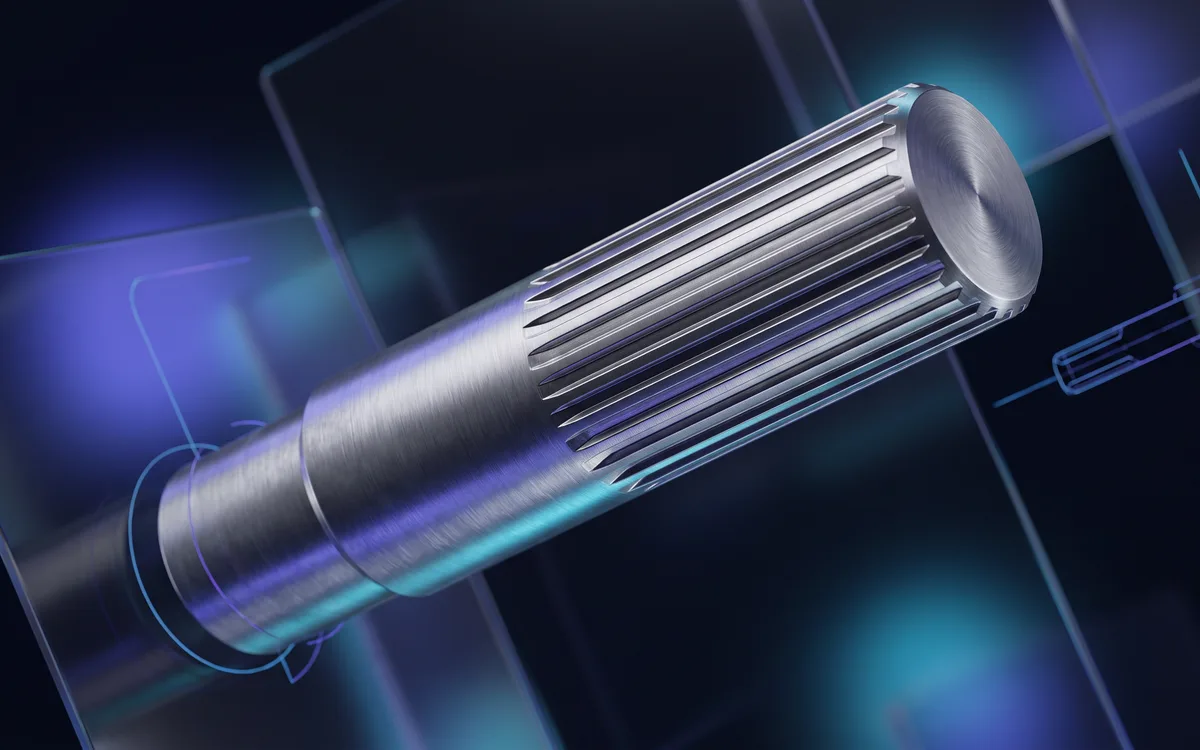
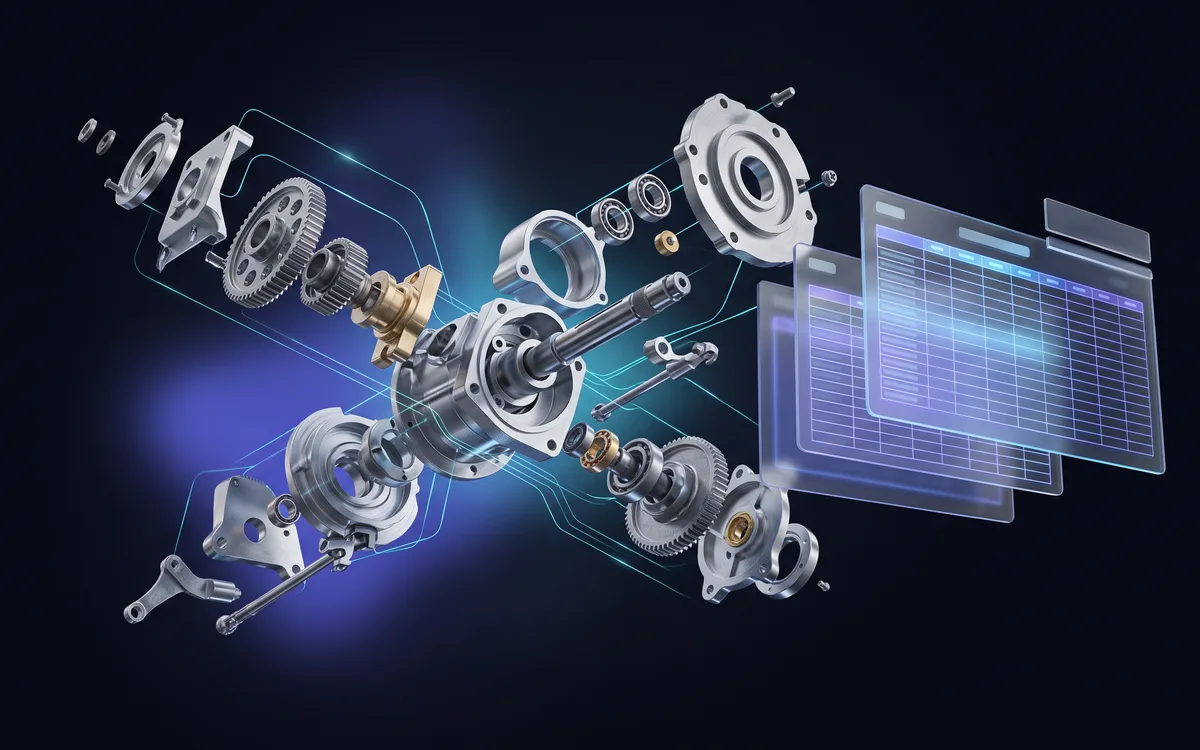
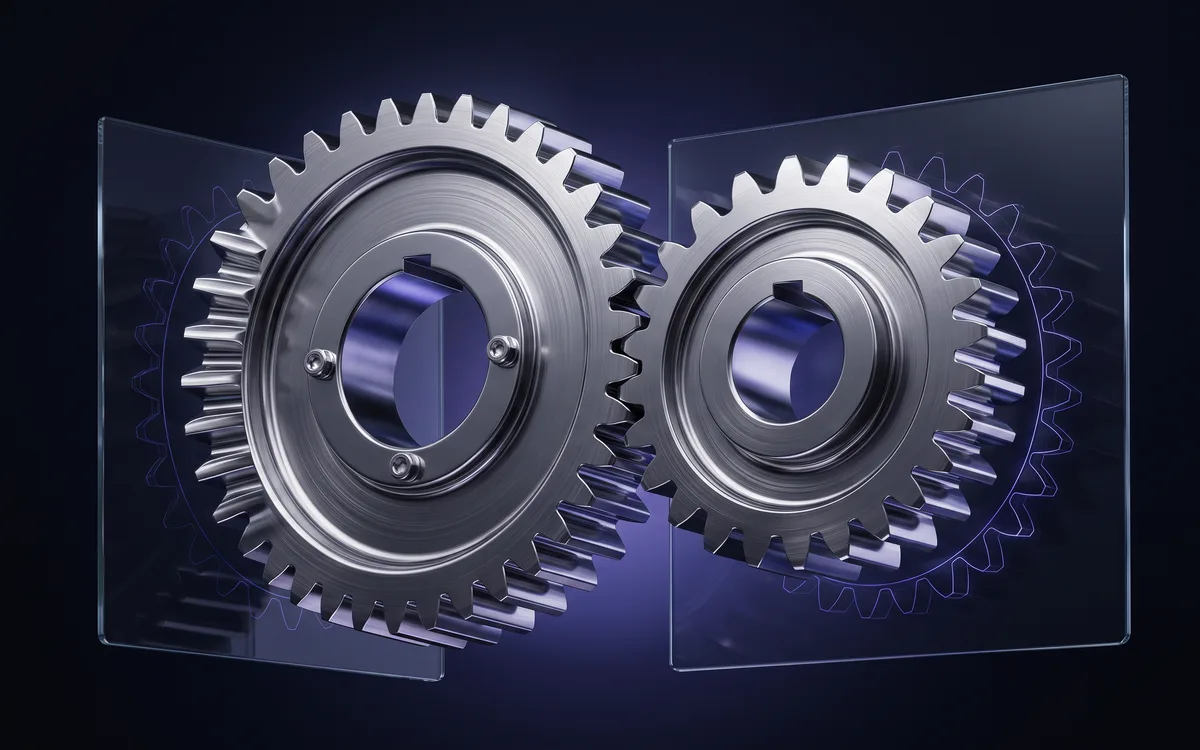
Gear Generator is a Fusion 360 gear generator for parametric gears and mechanisms: 17 types, from the spur gear to the cycloidal drive, each in its own component with reference sketches, a data sheet and user parameters.
Who is Gear Generator for? Gear Generator is aimed at design offices that build transmissions in Autodesk Fusion 360: mechanical engineers, machine designers and manufacturing engineers. It helps machine shops that need to cut or check a pinion from a digital model. 3D printing enthusiasts and makers use it for a printed gearbox, a small robot or a drive mechanism, wherever centre distance and gear ratio have to be right the first time.
The problem it solves Drawing a gear by hand in Fusion 360 takes patience. Involute teeth rely on a curve you cannot simply draw with an arc: you have to compute a series of points, join them with a spline, mirror the profile, repeat it once per tooth, then add the root fillet and the bore. The smallest mistake shows up at assembly time, when teeth overlap or leave too much backlash.
And everything has to be redone as soon as the module, tooth count or face width changes. For a planetary train, a worm and wheel or a differential, you also have to position every part and link their motion. Gear Generator does that work from a few parameters, and redoes it just as fast when the ratio changes.
17 types of gears and mechanisms Simple gears
- Spur gear: ISO involute teeth, metric module. • Internal gear: ring gear with internal teeth. • Rack: straight or helical. • Roller-chain sprocket: ISO 606 tooth profile, 9 standard chains in the catalogue. • Helical gear: adjustable helix angle. • Herringbone gear: double helical, axial thrust cancelled.
Pairs and trains, optional animation
- Straight bevel pair: pinion and wheel, shafts at 90°. • Bevel differential: two side gears, two spider gears and the carrier. • Worm and wheel: cylindrical, globoid or double-enveloping worm. • Meshing pair: two wheels at the theoretical centre distance. • Pinion and ring gear: internal-tooth pair. • Rack and pinion: rotation to translation. • Planetary train: sun, planets, ring and carrier. • Cycloidal drive: lobed discs, pins and eccentric.
Non-circular wheels and mechanisms
- Elliptical gears: variable transmission ratio. • Geneva drive: intermittent indexing (Maltese cross). • Ratchet and pawl: backstop, single direction of rotation.
Features
- Two commands in the Design workspace: "Gear" (Solid › Create) and "Edit Gear" (Solid › Modify). • Real-time preview as you type; only the fields of the selected type are shown, grouped into sections. • Dimensioned reference sketch: pitch, base, tip and root circles. • Bores, root fillets and tip chamfers on demand. • A data sheet summarising the resulting geometry. • Fusion user parameters (gear1_module, gear1_z…): face width, bore and fillets stay editable directly in the model. • "Edit Gear" reopens an existing gear with its parameters pre-filled and rebuilds it in the same component. • Mechanism animation: revolute or slider joints linked at the exact tooth ratio. Turn one wheel, the other follows. • French or English interface, following Fusion's own language. • Windows only (.exe installer); macOS is not supported.
Standards and limitations
- Involute teeth follow the ISO standard basic rack, in metric module. • Chain sprocket follows the ISO 606 profile. • Bevel pair computed with the Tredgold approximation. • The ratchet wheel follows no dimensional standard, because none exists: its geometry is fully parametric. • Multi-component types are created in an assembly document.
Gear Generator is a design aid: always verify the resulting geometry before manufacturing or strength calculation.
It is a one-time purchase that gives you access to every past and future version, with update notifications by email and downloads from your My account area.
Installing in Fusion 360
- Download the latest version from “My account” (access opens right after purchase): you get a .zip archive.
- Unzip the archive: it contains the plugin’s Windows installer (.exe).
- Run the installer: it installs the plugin straight into Fusion 360, with no setup inside the software.
- Open Fusion 360: the plugin is ready to use. To update, run the installer of the new version.
Frequently asked questions
Which operating system do the plugins run on?
Windows only: each plugin ships with a Windows installer (.exe). macOS is not supported.
Are updates paid?
No. The purchase is one-time: every past and future version of the plugin stays available free of charge from “My account”.
What licence do I get?
The purchase grants a personal, non-exclusive and non-transferable licence to use the plugin, as set out in our terms of sale.
Where do I download the plugin after buying?
In “My account”: every plugin you own is listed with its versions, changelog and a download button.
Versions
- v1.0.0