Fusion 360 add-ins · SaaS apps
Fusion 360 add-ins and SaaS apps that save you time
Standardised Fusion 360 add-ins for mechanical design (shafts, ISO and DIN splines, knurling, gears, bills of materials) and ready-to-use web apps, with nothing to install.
- ISO 14 · splined shafts
- DIN 82 · knurling
- Parametric gears
- Excel / CSV BOM export
- 16:9 videos → 9:16 shorts
- Budget and net worth
Our Fusion 360 plugins
Five add-ins for Autodesk Fusion 360 that automate the standard geometry every design office redraws by hand: transmission shafts, ISO 14 and DIN 5480 splines, DIN 82 knurling, involute gears and bill-of-materials export. Each plugin ships with an installer that adds it straight to Fusion 360.
 €4.99
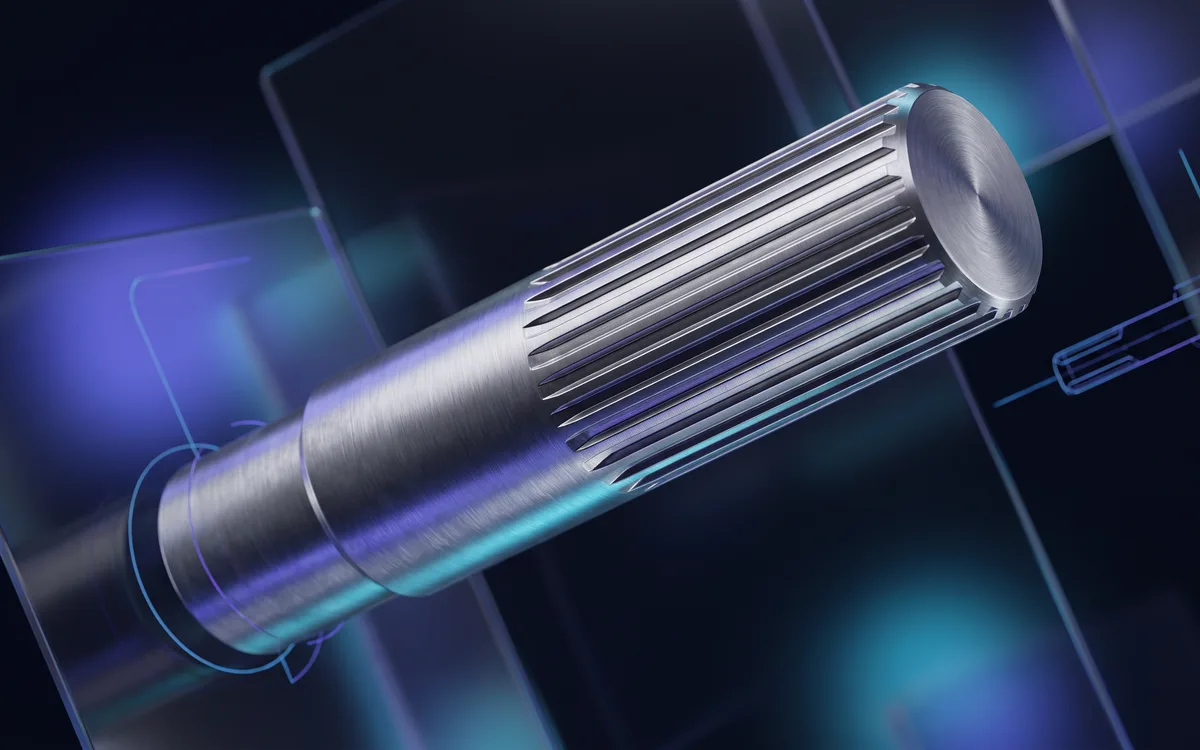
Groove Maker
ISO 14 / DIN 5480 splined shafts, hubs and splines for Fusion 360
Buy →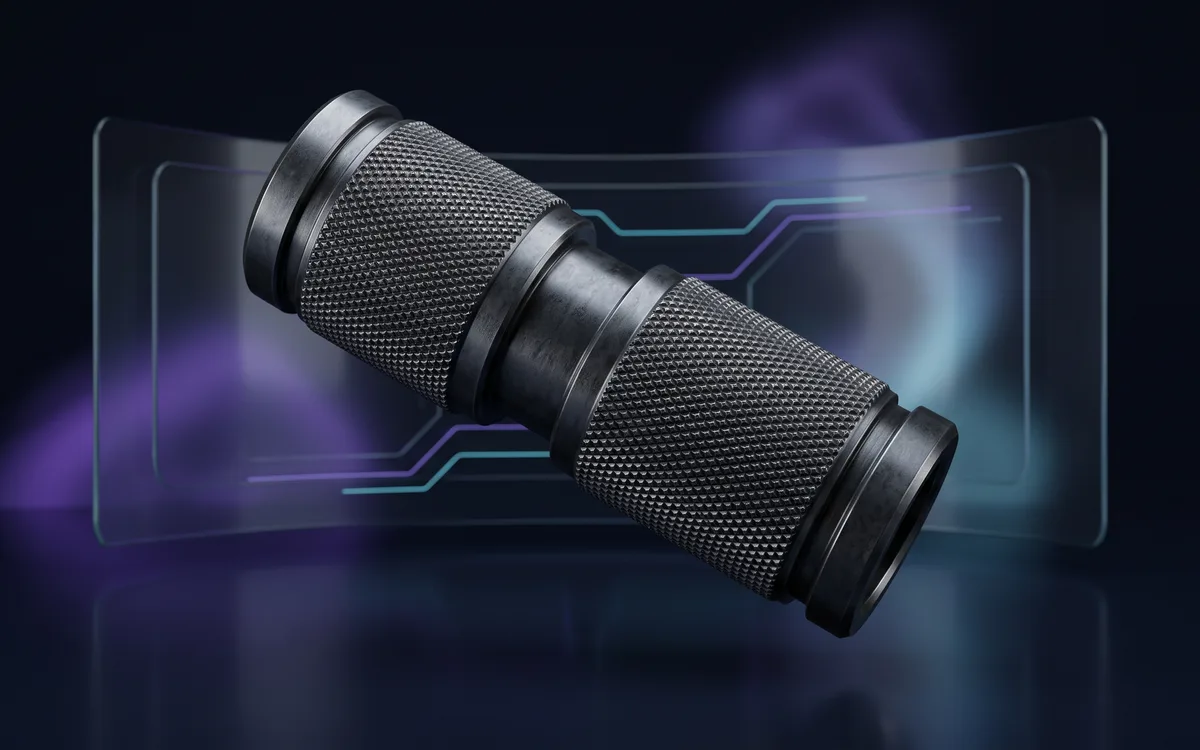 Coming soon
Knurl Maker
One-click DIN 82 knurling
Learn more → Coming soon
BOMForge
Complete Bill of Materials for Fusion 360
Learn more → €9.99Free Lite edition
Gear Generator
Parametric gears for Fusion 360
Buy →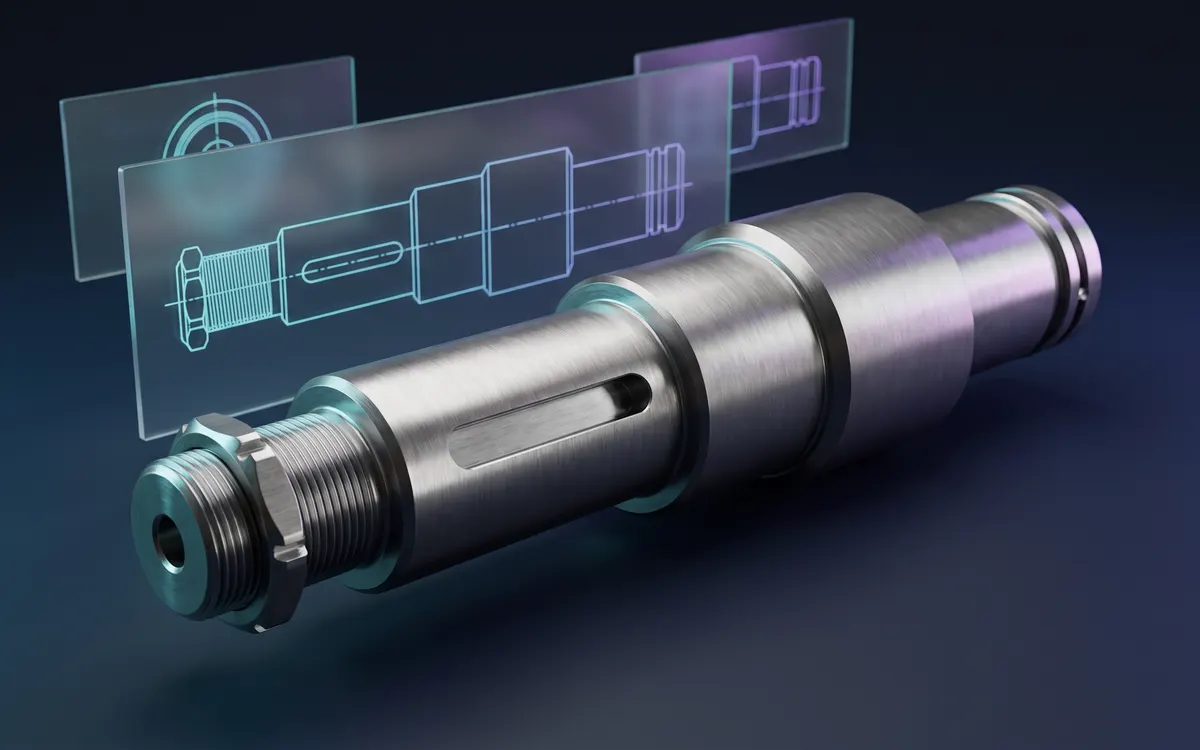 €9.99
Shaft Maker
Parametric transmission shafts for Fusion 360
Buy →Our SaaS apps
Web apps you open straight from your browser, with nothing to install: Auto Short Creator turns horizontal videos into vertical shorts, and Capitly brings your budget, net worth and investments together.


Why choose our Fusion 360 add-ins?
ISO and DIN standards built in
DIN 6885 keyways, ISO 14 / DIN 5463 and DIN 5480 splines, DIN 82 knurling, ISO involute teeth: profiles are generated to the standard, with no tables to look up and no maths to redo.
A few parameters are enough
Enter the values that matter (shaft sections, module and tooth count, knurl pitch, spline designation…) and the plugin builds the geometry in your Fusion 360 model.
Instant download
Right after purchase, the plugin is ready to download from “My account”, and every new version is announced by email.
Buy once, lifetime updates
Pay once and get free access to every past and future version of the plugin, downloadable from your account at any time.
How does it work?
- 1Buy the plugin from its product page (secure Stripe checkout).
- 2Download the latest version from “My account”, any time, with no limit.
- 3Unzip the archive and run the Windows installer (.exe): it installs the plugin straight into Fusion 360.
- 4You get an email for every new version: download it again, it is included.
Got an idea for a plugin or an app?
A need that Fusion 360 or our apps do not cover yet? Tell us what would save you time: user ideas directly shape the next tools.